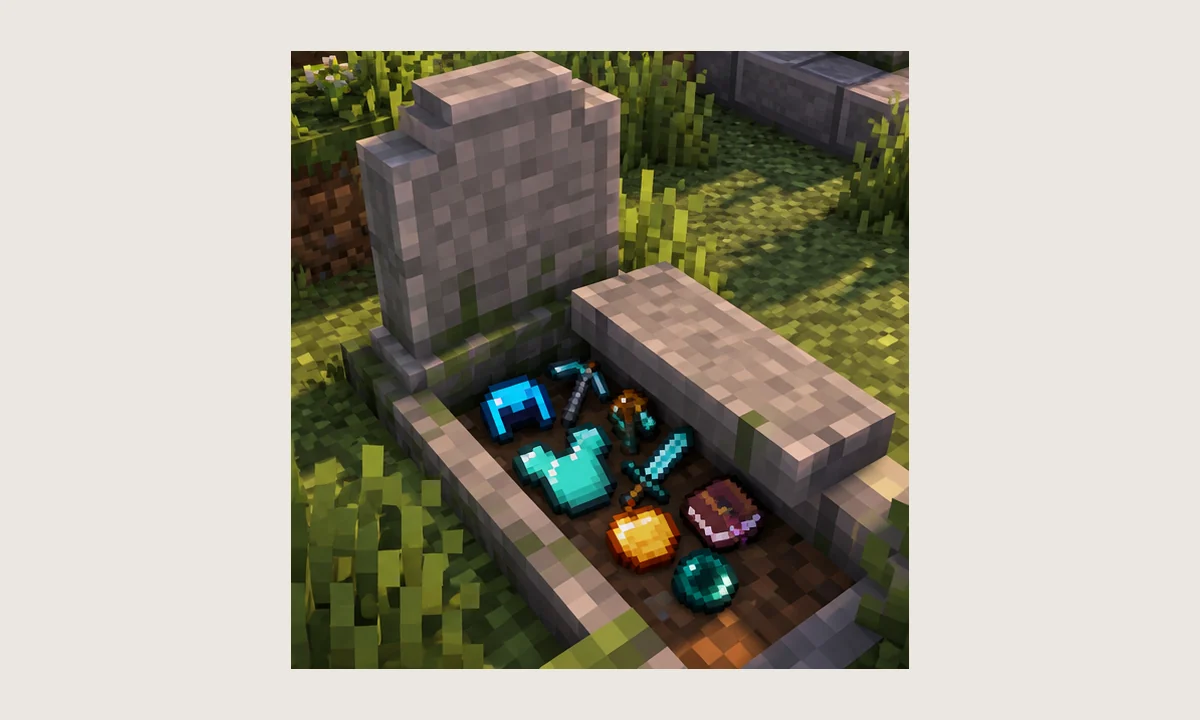
Players searching for a “Gravestone mod death id” are usually trying to identify the mod in a log, configuration file, command, or compatibility rule. In many NightKosh Graves builds, the project identifier appears as “gravestone,” but the safest answer is always the identifier shown by the exact build you installed.
What a mod identifier is
A mod identifier is a machine-readable name used by the loader and other mods to refer to a project. It can appear in logs, configuration paths, dependency declarations, registry names, or commands.
The display name shown in a launcher or website is not always identical to the internal identifier, so copying the visible project title into a config rule can fail.
Where to look for the exact ID
Start with the loader's startup log and search for the installed file name. Nearby lines commonly show the mod name, version, and identifier recognized by the loader.
For older builds, metadata files inside the JAR can also reveal the identifier. Do not edit the JAR just to inspect it; use a copy if you need to view its archive contents.
Why “gravestone” is a useful clue
Historical NightKosh build logs and project metadata have used “gravestone” as the mod identifier. That makes it a reasonable search term when scanning logs, but it should not be treated as proof for every unrelated gravestone project.
If you have two similarly named mods, match the identifier to the actual file and author before changing compatibility settings.
Using the ID in troubleshooting
Once you know the identifier, you can search crash reports for dependency errors, registry conflicts, or configuration references tied to that mod. This is more reliable than searching only for the visible display name.
Keep the identifier, mod version, loader version, and Minecraft version together in bug notes. Those four details make technical comparisons much more useful.