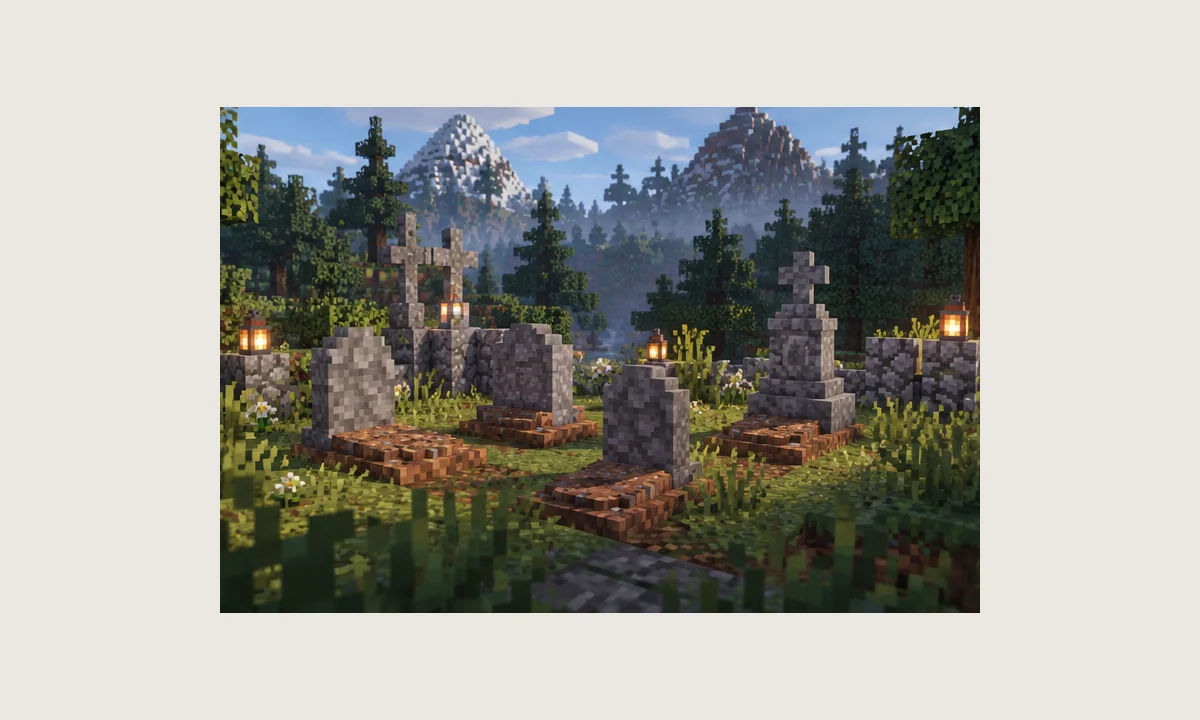
“Gravestone mod Fabric 1.21.11” is a common search phrase, but similar names can point to entirely different projects. The NightKosh Graves project referenced on this site is associated with NeoForge in its modern releases, so a Fabric result should be verified as a separate project rather than assumed to be the same mod.
Why the loader name matters
Fabric and NeoForge are different mod-loader ecosystems. A JAR built for one loader is not automatically compatible with the other, even when two projects provide nearly identical gameplay concepts.
Before downloading anything, compare the project identity, author, loader, and supported Minecraft version. This prevents a common mistake where a user follows instructions for one gravestone mod while installing another.
What 1.21.11 means in this context
A modern NightKosh Graves build has existed for Minecraft 1.21.11 under NeoForge. That fact does not imply there is an equivalent Fabric package from the same project.
If your existing profile is Fabric-based, changing the loader is a larger decision than adding a single mod. Review the whole mod list first because Fabric-only dependencies will not simply carry over to NeoForge.
How to evaluate a similarly named Fabric project
Look for a clear project owner, supported loader, game version, source or release history, and documentation that describes its own recovery behavior. Do not rely on screenshots or a shared keyword alone.
Also check how the project handles custom inventory slots and multiplayer. Two grave mods can differ significantly in recovery behavior even when they appear similar at first glance.
Avoid mixed-loader troubleshooting
When Minecraft fails after a mod change, confirm the loader mismatch before editing configs. A Fabric mod in a NeoForge profile, or the reverse, will not be repaired by changing grave settings.
Keep separate launcher profiles for different loader ecosystems. That makes test results easier to reproduce and reduces accidental file mixing.